

BlogHow-to
How to Make Animated Story Videos for YouTube (Without Drawing or Editing)
Short answer
Write a short story with one character and one problem, turn it into a script of short spoken lines, plan one shot per line, then give every character a voice and add music. You can animate it yourself in 2D software, which takes days, or paste the story into an app like Drawn Films and get a finished 1080p video in minutes.
An animated story video is a short film told with drawn characters instead of a camera. The format works on YouTube for three reasons: a story keeps people watching to the end, nobody has to show their face, and a good story keeps finding viewers for years. Channels built on it are growing fast this autumn: a two-and-a-half-minute animated short, posted the day its channel was made (27 September 2026), had 4.2 million views by 20 October. The numbers for six growing niches are in animated YouTube channel ideas that are growing right now.
You need three things: a story worth finishing, a voice for each character, and a way to turn lines into moving pictures. The seven steps below work whichever tool you use.
What do you need before you start?
Less than you’d think. You don’t need to draw, own a drawing tablet or know any animation software.
- A story idea with one main character and one problem. The next section shows how small it can be.
- A niche, if you’re starting a channel. True horror stories, life stories, myths, history and life-lesson shorts are all growing right now.
- A free afternoon for your first film if a tool draws it for you. Animating by hand takes days or weeks, mostly spent learning.
Step 1: Write a story people want to finish
A story holds attention when the viewer wants to know what happens next. For a short animated video, you only need four beats:
- A character who wants something. Ella writes poems and wants to share them.
- Something in the way. She has to read one aloud in class, and she’s scared they’ll laugh.
- A turn. A boy laughs, and she runs out of the room.
- An ending that answers the question. That night her little sister says the poem back to her from memory. The next day, Ella reads it anyway.
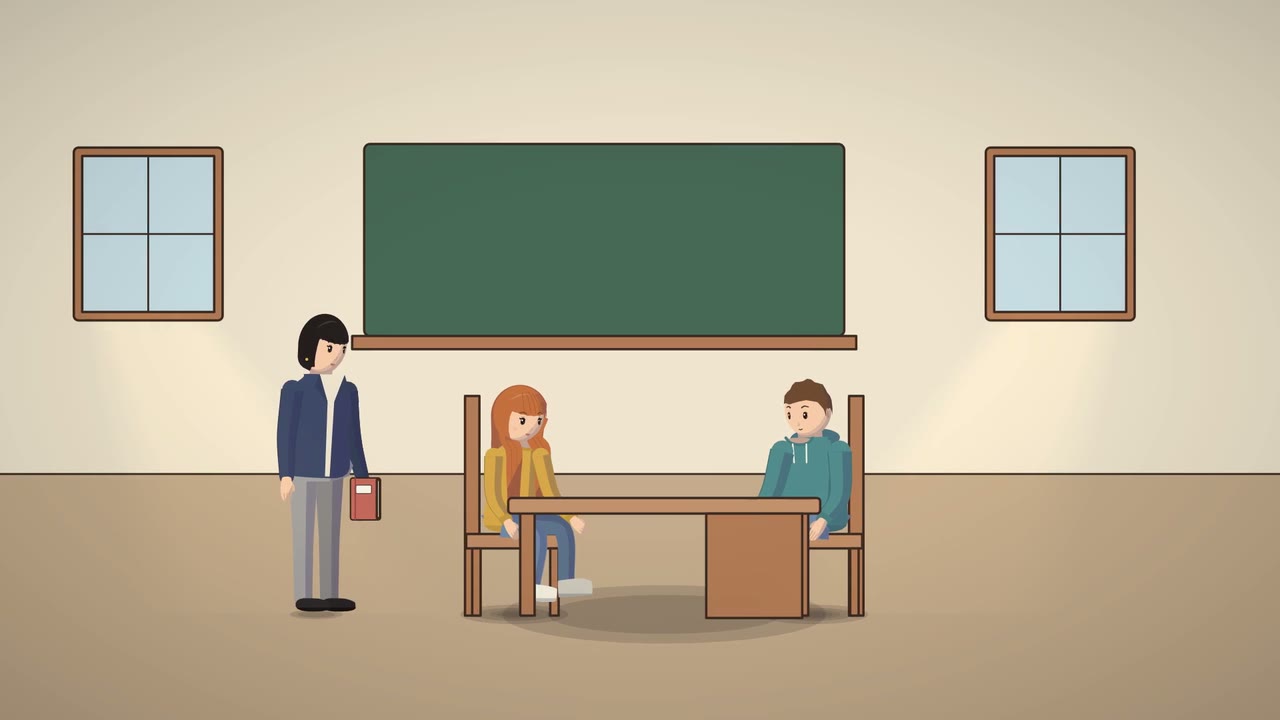
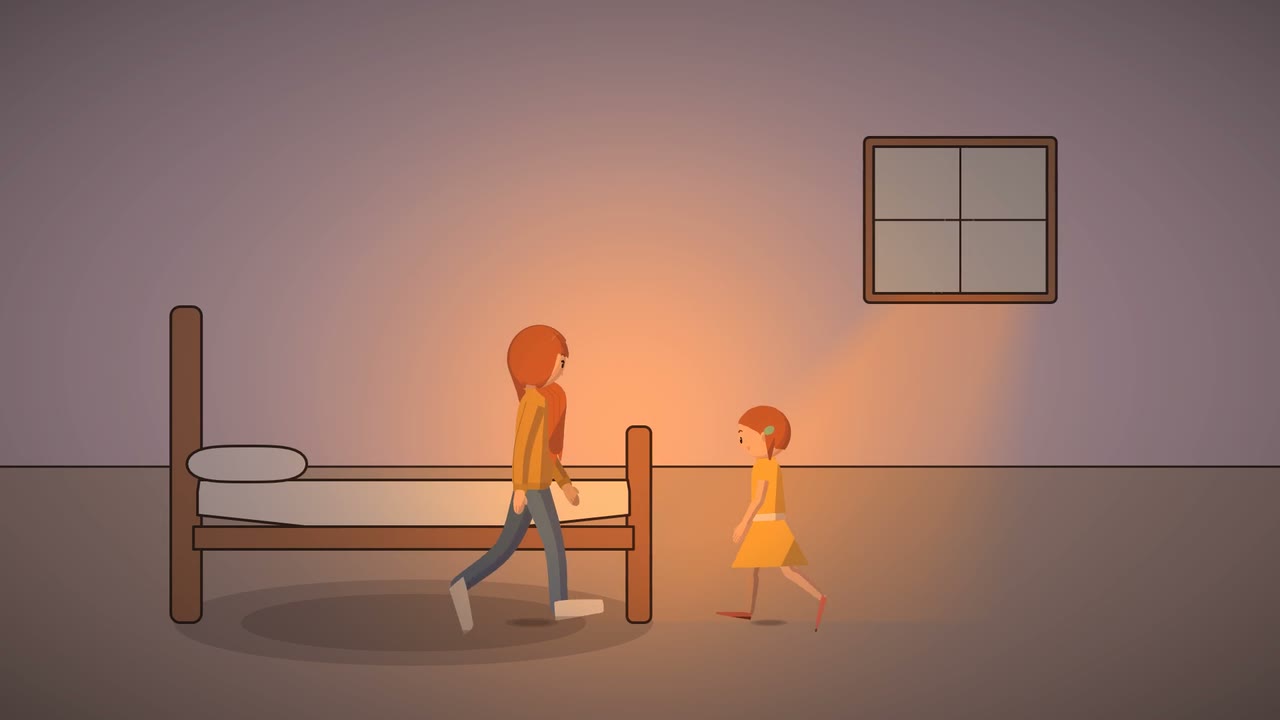
That’s the whole plot of What If They Laugh?, the short film the pictures in this guide come from. It fits in four sentences. If your story needs more than a paragraph to explain, it’s probably two videos.
Three habits make a story work on YouTube:
- Start in the middle of the problem. The first few seconds decide whether people stay, so open on the moment things go wrong, not on a sunrise.
- Give feelings a voice. Let a character say what they’re afraid of out loud: to a friend, a sister, or a little “thought” character, like the blue thought cloud that worries inside Ella’s head.
- Write for the ear. Short sentences, one idea per line. People are listening, often with the phone in their pocket.
Step 2: How do you write a script for an animated video?
Turn the story into a list of short spoken lines, each with a speaker. Keep every line short enough to say in one breath (about 15 words or fewer), because each line gets its own shot.
Here’s an example script for a different story, an old woman and her dog, to show the format:
| Shot | Who | The line, or what we see |
|---|---|---|
| 1 | Nana Rose | Good morning, Biscuit. Slipper time! |
| 2 | Biscuit | A happy bark. He drops one slipper at her feet. |
| 3 | Nana Rose | Good boy. Same time tomorrow? |
| 4 | No line | The next morning: an empty doorway. No Biscuit. |
| 5 | Nana Rose | Biscuit? Where’s my slipper, love? |
| 6 | Nana Rose | Oh, you’re tired. Then today I’ll bring it to you. |
| 7 | No line | The two of them walk to the park together, slowly. |
A few rules that save you trouble later:
- One line per shot, and name the speaker every time.
- Let some shots be silent. A reaction or a quiet moment (an empty doorway, a long look) often says more than another line.
- Read it out loud. If you stumble, cut words.
Step 3: Plan one shot per line (the storyboard)
A storyboard is a picture of every shot before anything moves. Each shot answers three questions: where are we, who’s here, and who’s talking. Three kinds of shot do most of the work in story videos:
| Shot | What it’s for | In What If They Laugh? |
|---|---|---|
| Wide shot | Shows the place and who’s in it. Use one at the start of each scene. | The classroom, with the teacher and two pupils |
| Close-up | Shows the face of whoever is speaking, so the feeling reads even on a phone. | Ella’s face, startled |
| Reaction shot | Shows how someone else takes it. | Theo laughing |
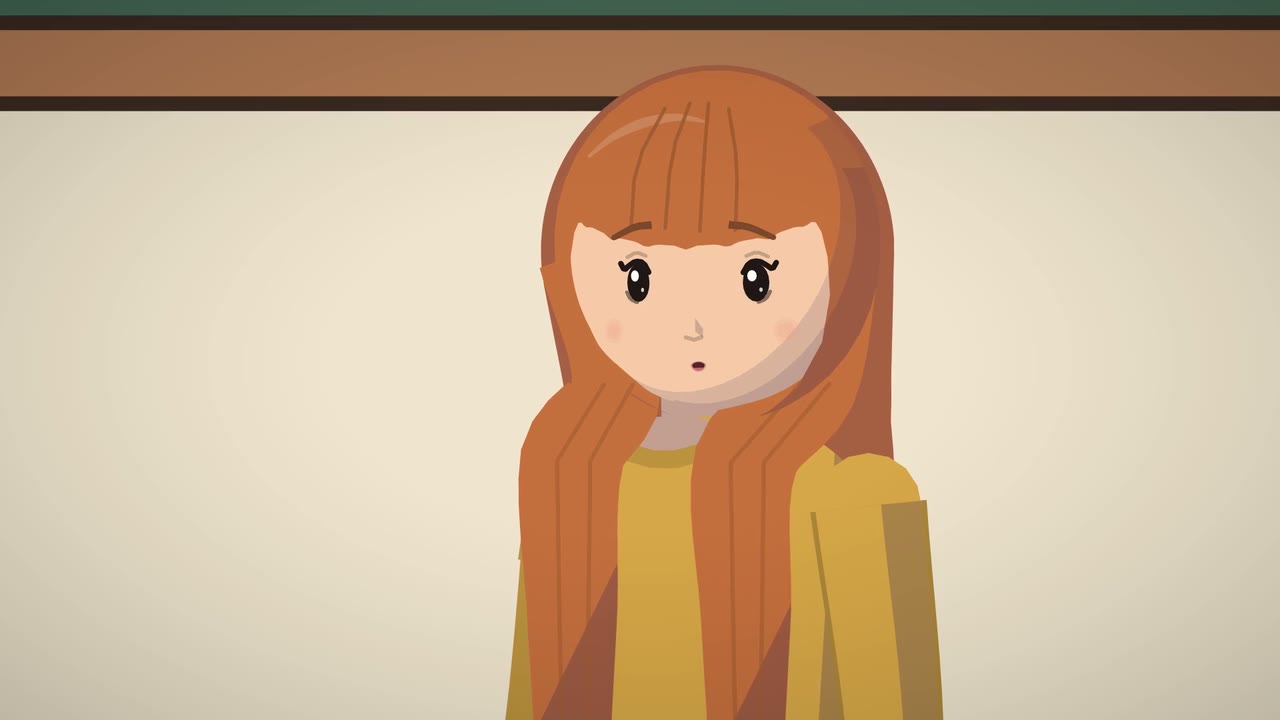
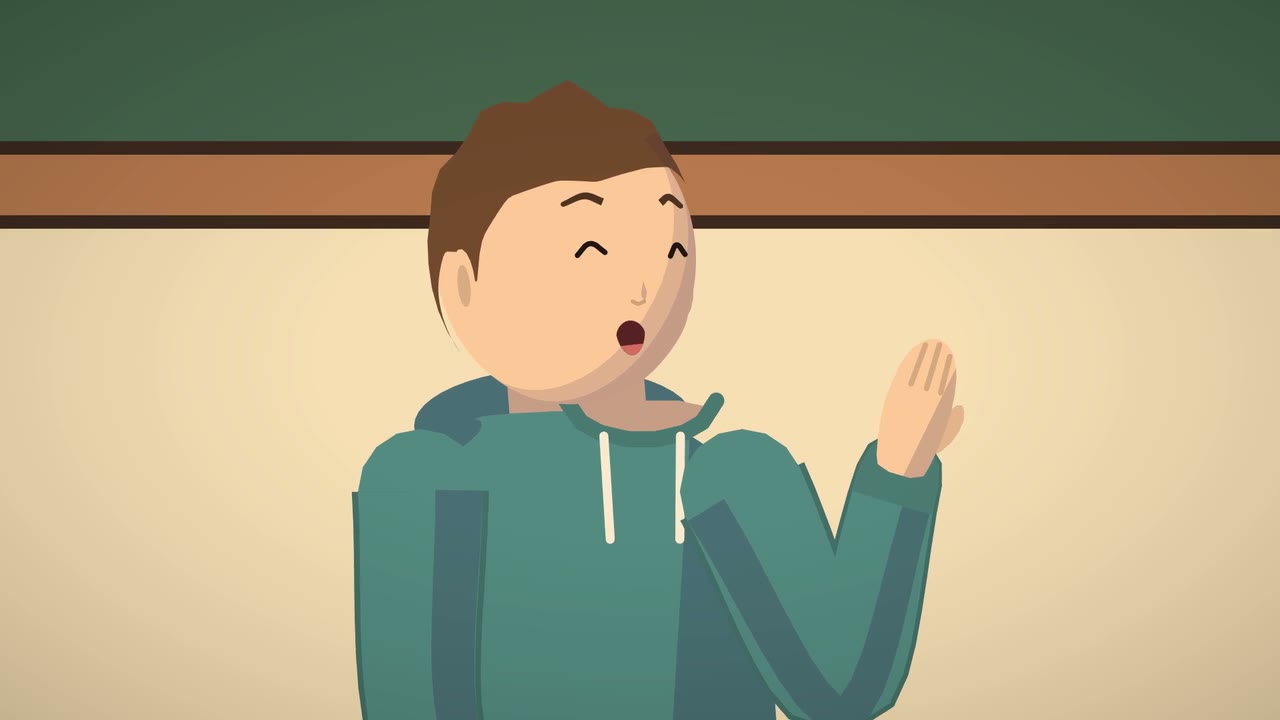
Keep most shots short, a few seconds each, and cut whenever someone new speaks or something changes. Long, still shots are where viewers drift away.
Step 4: Give every character a voice
Viewers judge an animated video by its voices within seconds. Each character needs a voice that fits their age and mood, and it should stay the same from one video to the next so your audience gets to know them.
You have three options:
- Record it yourself or with friends. Free and human, but hard to do many different voices.
- Hire voice actors on freelance sites. Great quality; the cost adds up per character and per video.
- Use AI voices. Fast and cheap, with a different voice for every character. YouTube’s AI label is for content that seems realistic, and a cartoon with invented characters generally isn’t. More on that in our guide to YouTube’s rules for AI animation.
Whichever you pick, the mouth should move with the words on every close-up. People notice a still mouth at once. Drawn Films gives every character its own voice and shapes the mouth to each word as it’s said.
Step 5: Animate it (four ways, from slowest to fastest)
This is the step where most people give up, so choose the route that fits your time:
| Route | What it’s like | Best for |
|---|---|---|
| Animate it yourself: free tools such as Blender Grease Pencil, Krita or OpenToonz, or paid ones such as Toon Boom Harmony or Moho | Full control. You draw or rig every character and time every movement. | People who want to learn animation as a craft |
| Template tools such as Vyond, Animaker or Toonly | Faster. You drag ready-made characters and actions onto a timeline. | Explainers and business videos |
| AI video generators | Type a prompt, get a clip. Keeping the same character from one clip to the next is the hard part. | Single striking shots |
| An app that draws the whole film from your story, such as Drawn Films | Paste the story, check the script and the shots, press one button. | People who want to post stories every week without editing |
Here’s how the last route works in Drawn Films:
- Write or paste your story, or ask for ideas based on what’s working in your niche.
- Check the script. Every line appears with its speaker’s face. Change the words, who says them or the cast, free.
- Check the storyboard. You see a still of every shot. To change one, type what you want, like “make her smile” or “golden hour light”, and only that shot is redrawn.
- Press Make my video. A 3-minute film takes about one to two minutes, and you get a notification when it’s ready. It downloads in 1080p with a subtitles file.
Step 6: Add music and sound effects
Music tells viewers how to feel, and sound effects make actions land: a door, a laugh, a bark. Three rules:
- Keep music under the voices. If you strain to hear a line, the music is too loud.
- Never cut music dead between scenes. Fade one piece into the next.
- Only use music you’re allowed to use. Popular songs get claimed through YouTube’s Content ID, and a claim can send your video’s ad money to the song’s owner. Use YouTube’s free Audio Library, a royalty-free library, or music made for your film.
Drawn Films writes the music for each film from the story’s feeling, so it isn’t borrowed from anyone, and adds the sound effects for you.
Step 7: Package it and upload
People decide in about a second, from the title and the thumbnail, whether to watch.
- Title: make a promise or ask the question your story answers. Look at the titles doing well in your niche this month and follow their pattern in your own words.
- Thumbnail: one face with one clear feeling, plus two or three big words. Never put the words over the face.
- Description: two or three sentences about the story, chapters, and a few hashtags.
- Subtitles: upload the .srt file, so people can watch with the sound off.
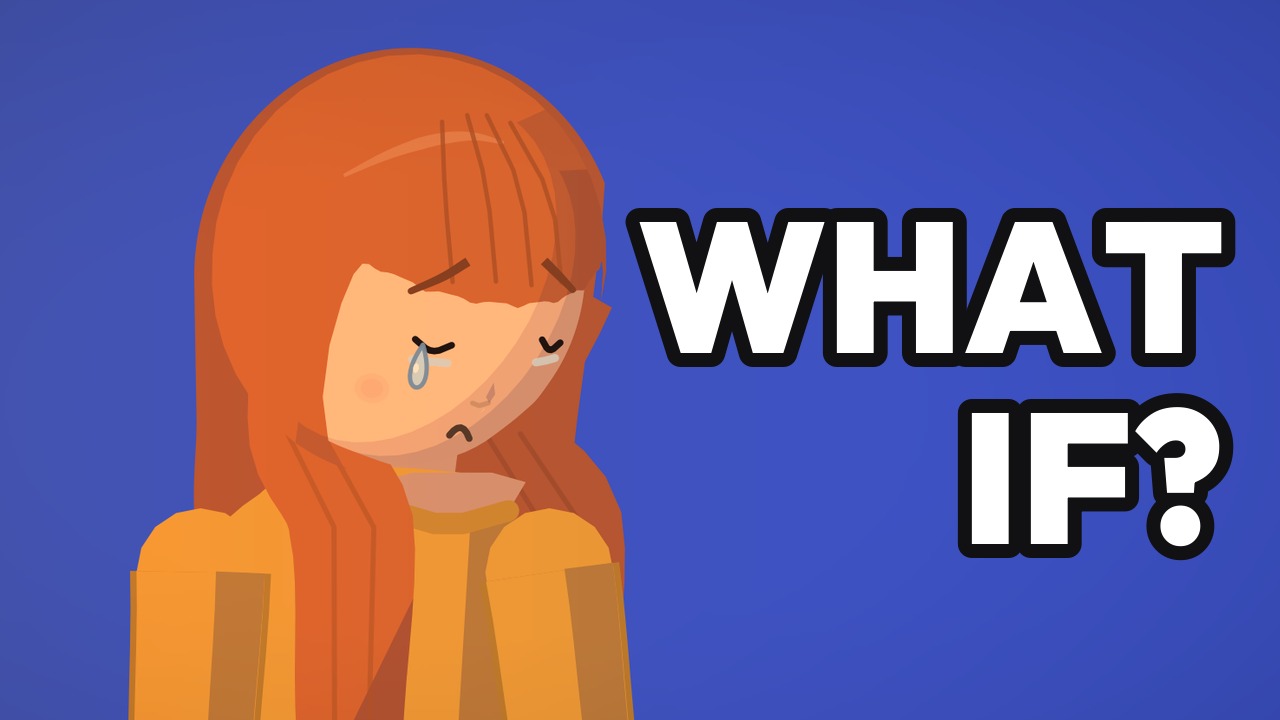
Every Drawn Films video comes with a publish kit: three title options in formats that are working in your niche, a description with chapters, hashtags, and three thumbnails drawn from the film’s own shots, ready for YouTube’s thumbnail test.
How long does it take to make an animated story video?
It depends almost entirely on who does the drawing. Animating by hand is the slow route: you draw or pose every movement, so a few minutes of film usually means days of work, plus the time it takes to learn the software. Template tools are quicker, but you still place and time everything on a timeline. When an app draws, voices and scores the film for you, the slow part is writing a good story. In Drawn Films, a 3-minute film takes about one to two minutes after you press Make my video.
How much does it cost?
Anywhere from free to thousands of dollars per minute. Free software costs you time instead of money, while freelancers and studios charge per finished minute of animation. We compared every route in how much 2D animation costs per minute. With Drawn Films the first film is free (up to 1 minute), and Creator is $29 a month for 30 minutes of film.
Can you make money from animated story videos?
Yes, if the stories are your own. YouTube shares ad money with channels in its Partner Program, which needs 1,000 subscribers plus either 4,000 qualified watch hours in the last 12 months or 10 million qualified Shorts views in the last 90 days. From 1 February 2027 that bar doubles for new applicants, to 8,000 watch hours or 20 million Shorts views. Its rules welcome original stories and refuse mass-produced, templated videos, so every video should have its own storyline. Videos of 8 minutes or more can also carry ads in the middle. The full rules are in can you monetise AI animated videos on YouTube?
Six mistakes that sink first videos
- Too many characters. Two or three is plenty for a short film.
- Long speeches. Split them into short lines, each with its own shot.
- A slow start. Open on the problem, not the backstory.
- Characters that change between shots. Viewers lose track of who’s who.
- Still pictures with a voice-over. YouTube’s rules can treat slideshows with little story as low-effort content.
- Music louder than the voices. Turn it down until every word is easy to hear.
Questions people ask
Do I need to know how to draw to make animated videos?
No. Free animation software still asks you to draw or rig your characters, but apps like Drawn Films draw every shot from your written story, so the only skill you need is telling a story.
Can I make animated story videos for free?
Yes. Blender (with Grease Pencil), Krita and OpenToonz are free 2D animation tools, though they take weeks to learn. With Drawn Films your first film is free, up to 1 minute, with a watermark.
How long should an animated story video be?
As long as the story needs and no longer. One to three minutes is a good length for a first film. Videos of 8 minutes or more can carry mid-roll ads, which is why many story channels post longer videos once they have a following.
Can I use AI voices for my cartoon characters?
Yes. YouTube’s AI label is for content that seems realistic, and its help page says non-realistic content made with AI doesn’t need one. Never make a voice that sounds like a real person saying something they didn’t say.
Is Drawn Films AI video?
No. AI helps write the shots and speak the voices, but every frame is drawn by Drawn Films’ own animation engine, which is why the characters look the same in every shot.
What’s the easiest way to make an animated story video on a laptop?
Use a tool that runs in the browser so there’s nothing to install. Drawn Films works in any modern browser: paste your story, check the script and the shots, and download the 1080p video.
Sources
- YouTube Help, YouTube Partner Program overview and eligibility
- Shacknews, YouTube to raise Partner Program minimum watch hours and Shorts views for new applicants (10 August 2026)
- YouTube Help, YouTube channel monetization policies
- YouTube Help, Disclosing use of altered or synthetic content
- YouTube Help, Manage mid-roll ad breaks in long videos
Keep reading
 Trend research
Animated YouTube Channel Ideas That Are Growing Right Now (October 2026)
Six animated YouTube niches with real videos and view counts from the last month, the title formats behind them, and which ones suit a new faceless channel.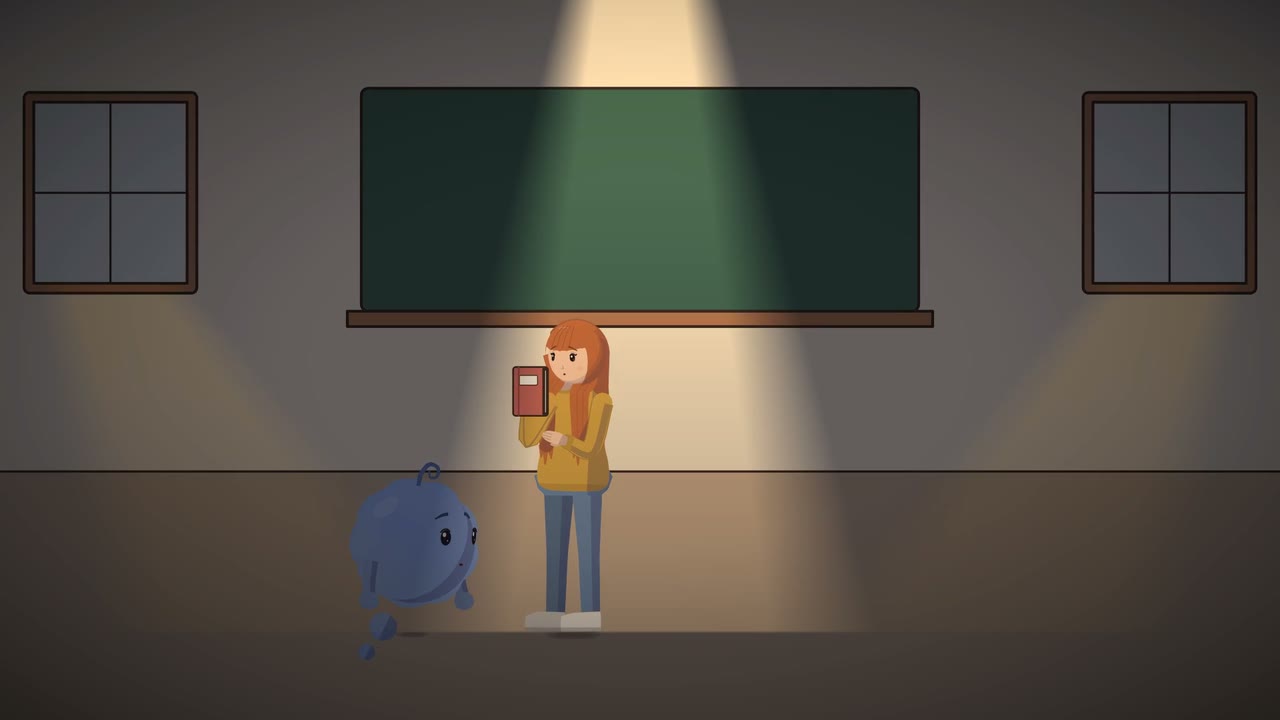 YouTube rules
Can You Monetise AI Animated Videos on YouTube? The Rules in Plain Words
YouTube's rules for AI animation in plain words: what can earn money, what gets refused, when you must label AI, and a checklist to keep your channel safe.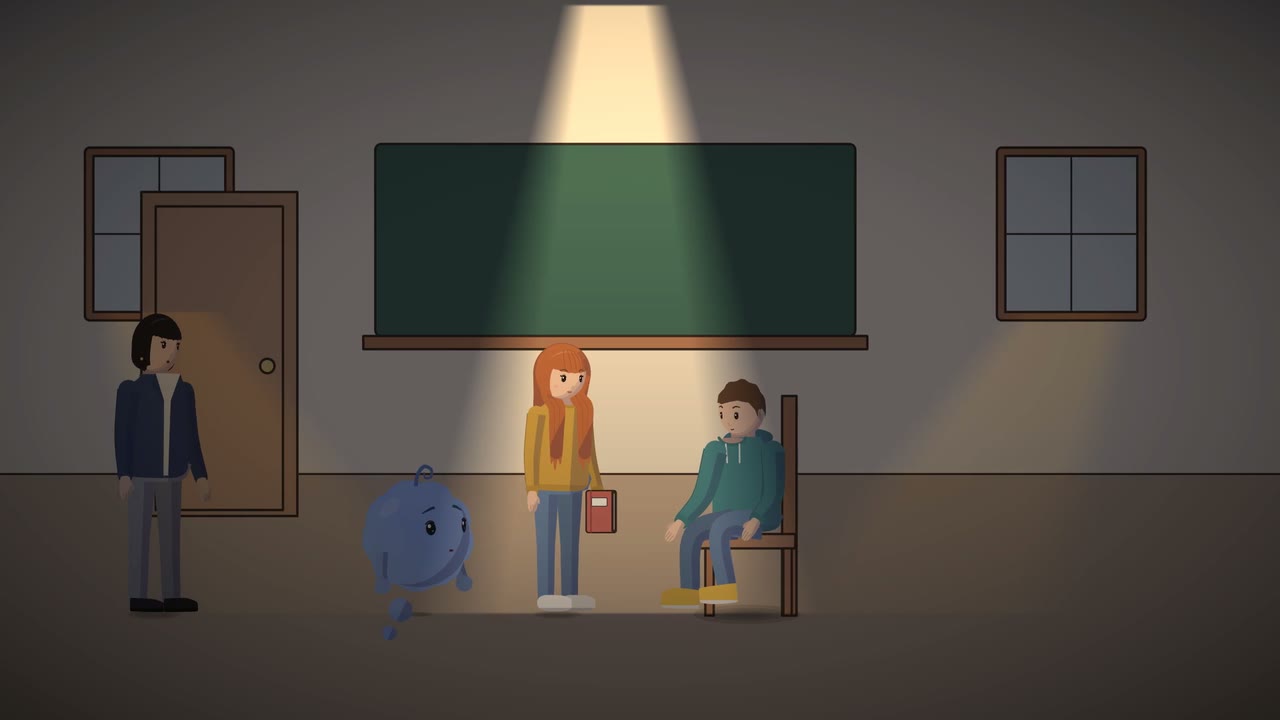 Costs
Costs